01Morning check-in
Your feeling first,
then the plan.
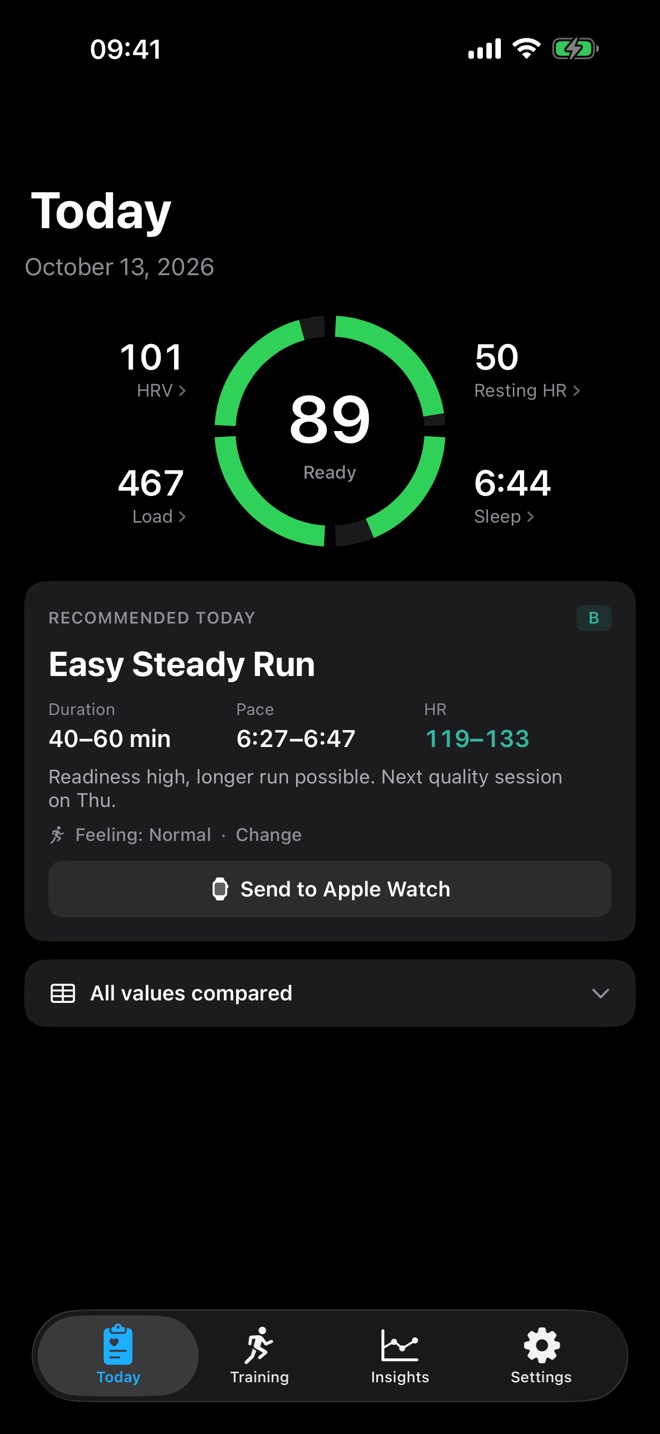
Tell RunReady how your legs feel each morning. Your run follows, with duration, pace and heart rate.
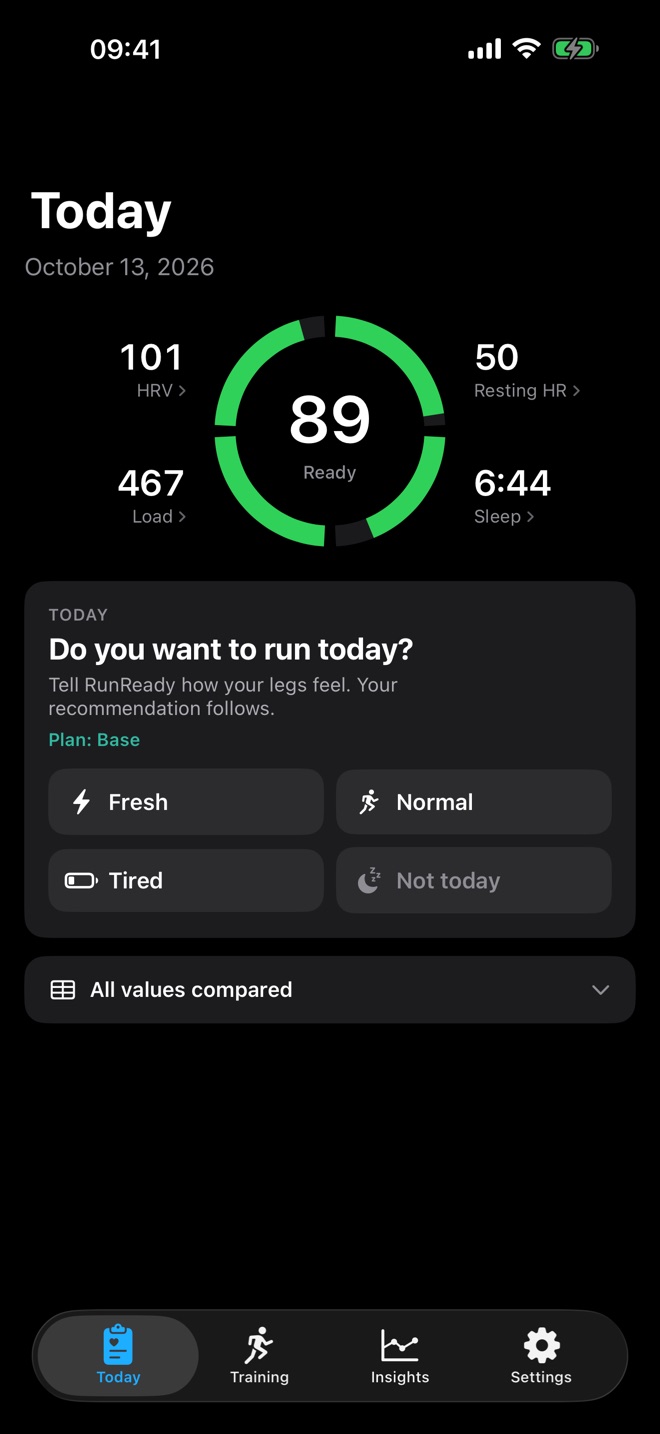
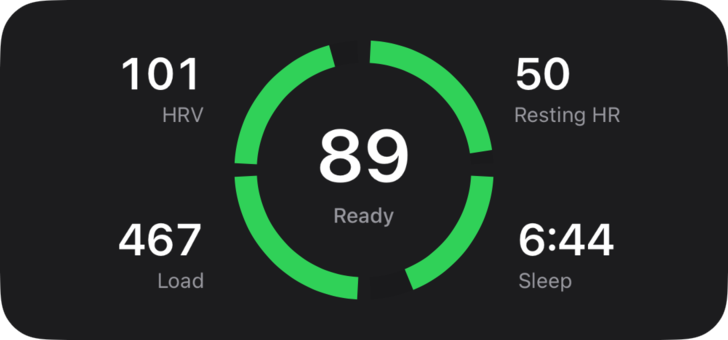
Your score from HRV, resting heart rate, sleep and load. And your run for today.
Get RunReady01Morning check-in
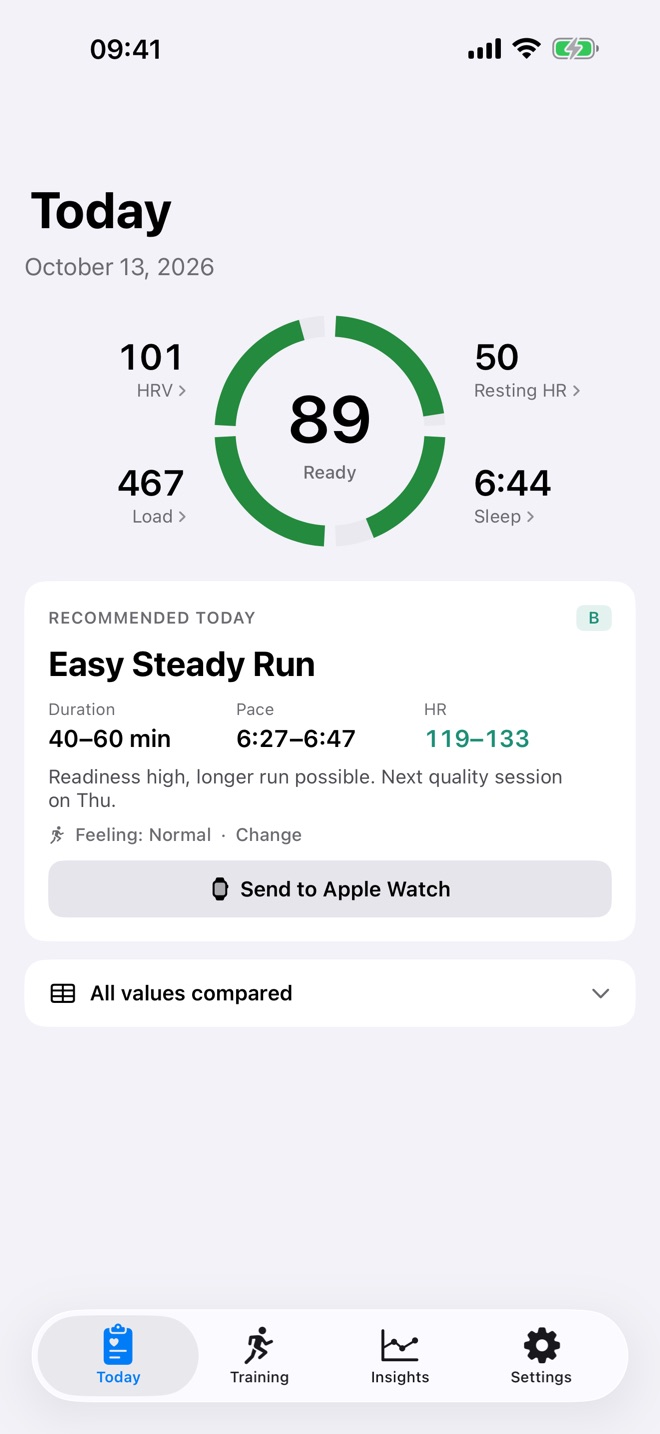
Tell RunReady how your legs feel each morning. Your run follows, with duration, pace and heart rate.
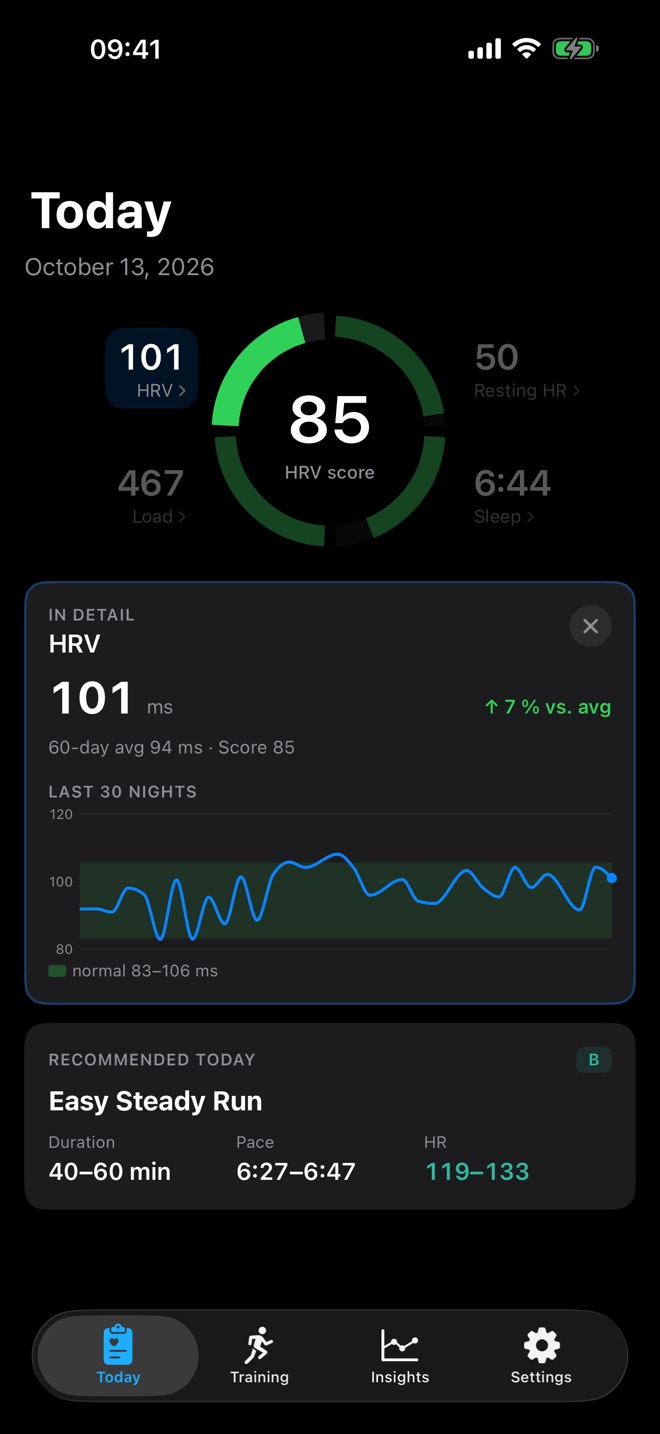
02Measured against you
Every value compared with your own last 60 days.
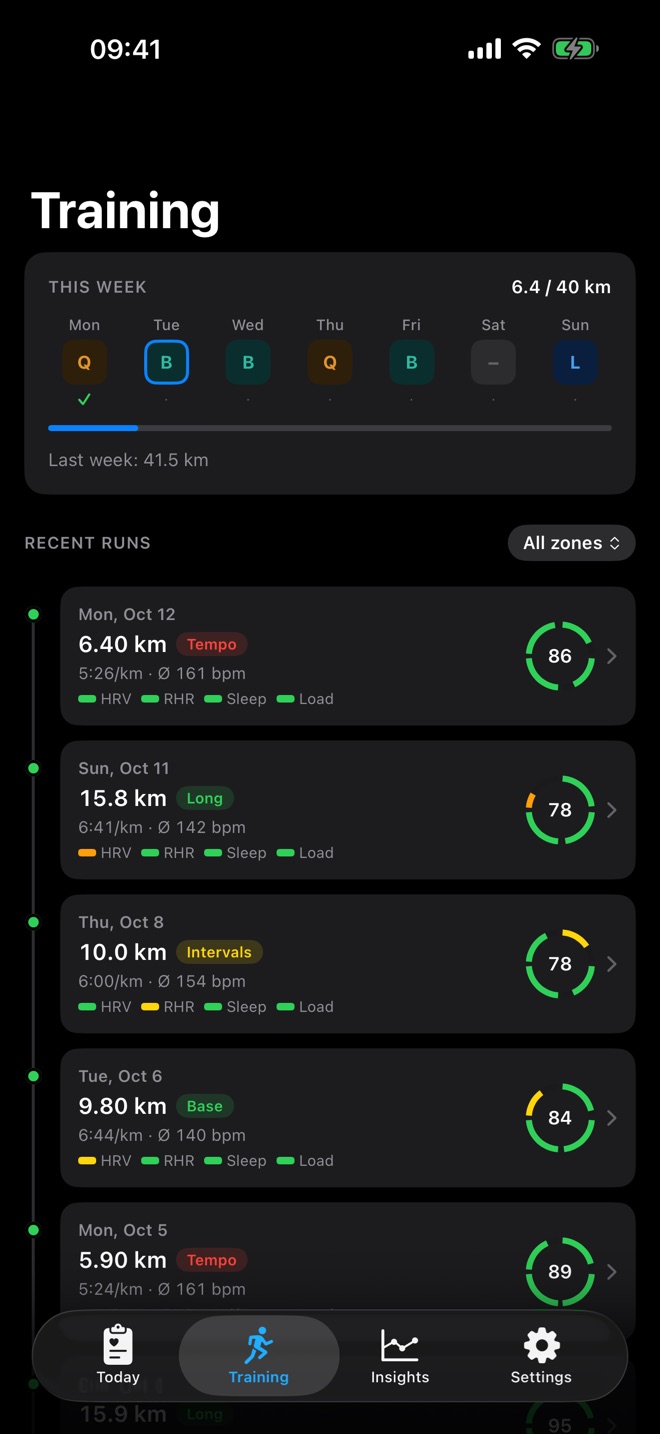
03Training
RunReady keeps that morning’s score with every run.
04Run detail
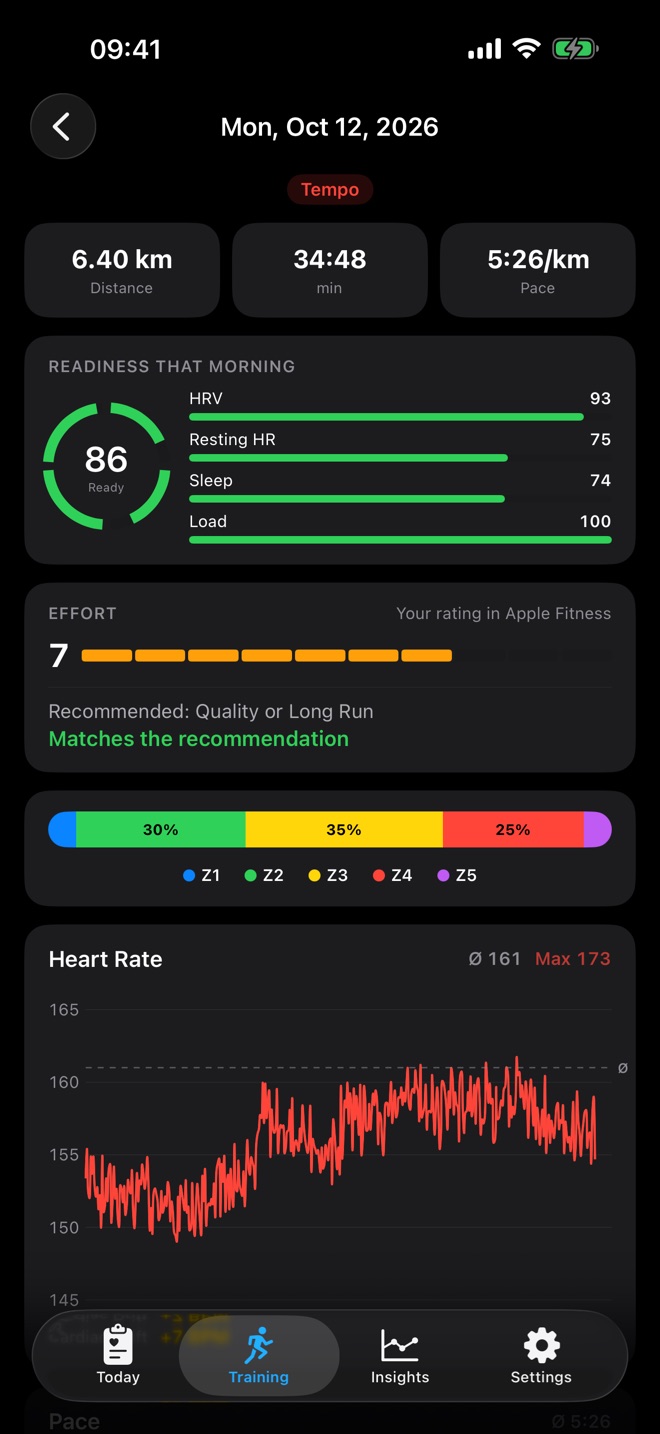
Zone distribution, heart rate, pace every 200 m and every kilometre.
05Insights
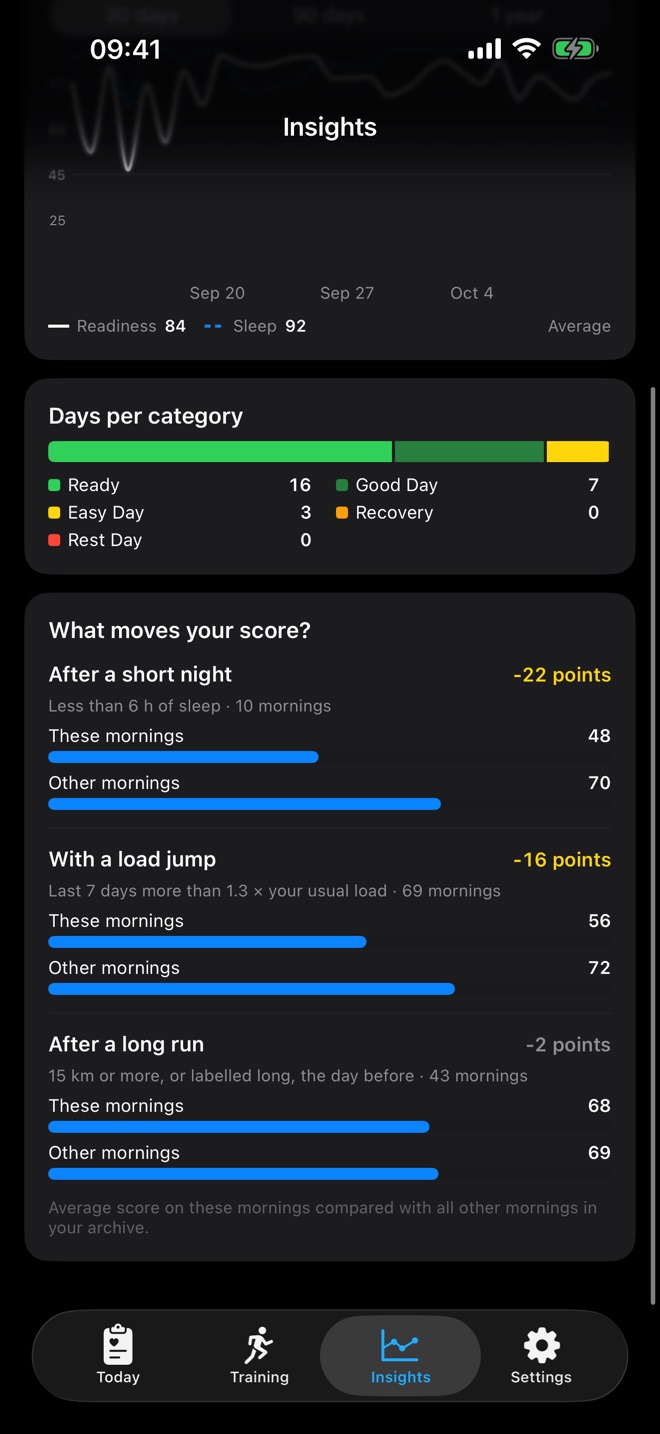
Short nights, load jumps, long runs: in points, measured against your own mornings.
06Fitness
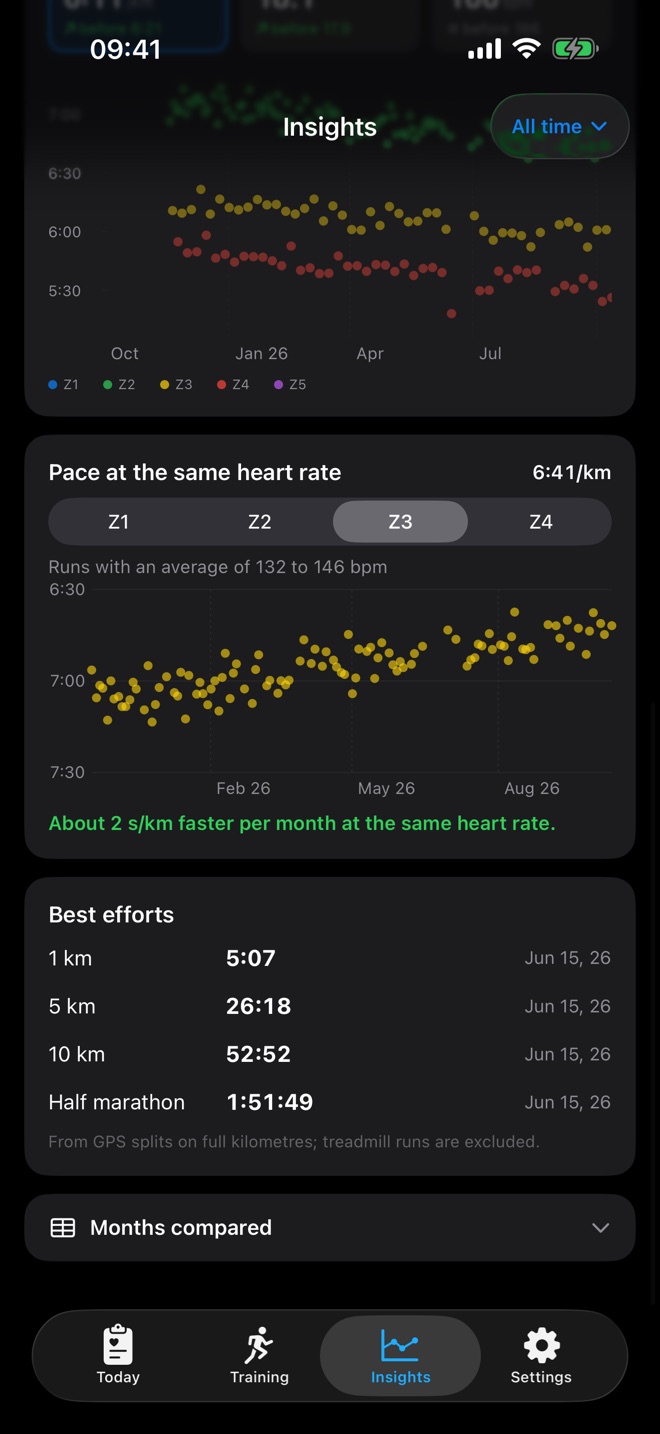
If you run faster at the same heart rate, your fitness grows.
07Calendar
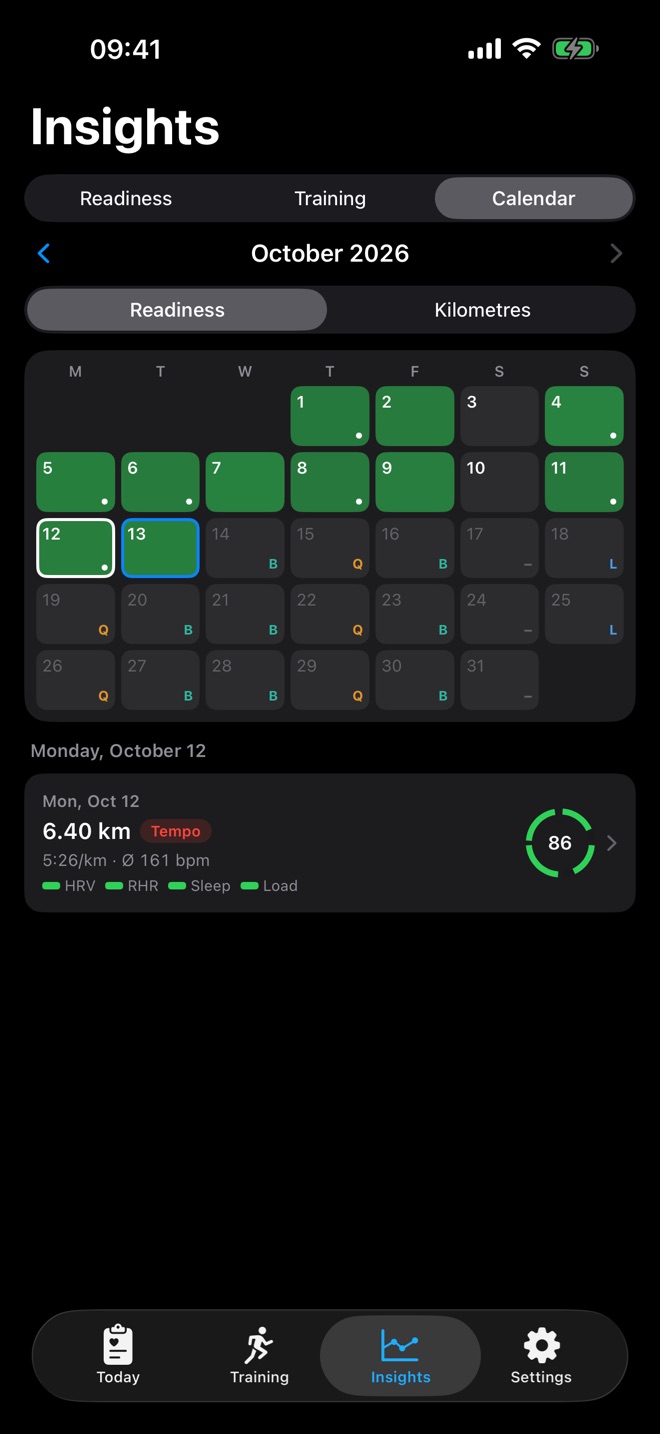
Readiness and distance for every day, up to 365 days pulled from Apple Health.
08Widgets
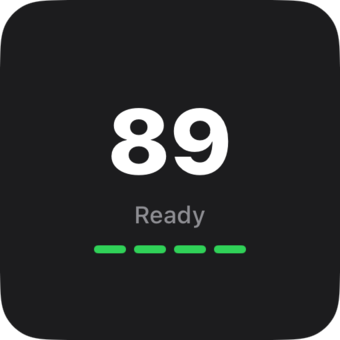
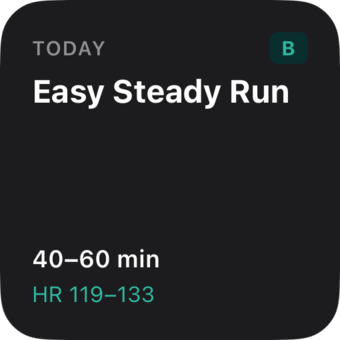
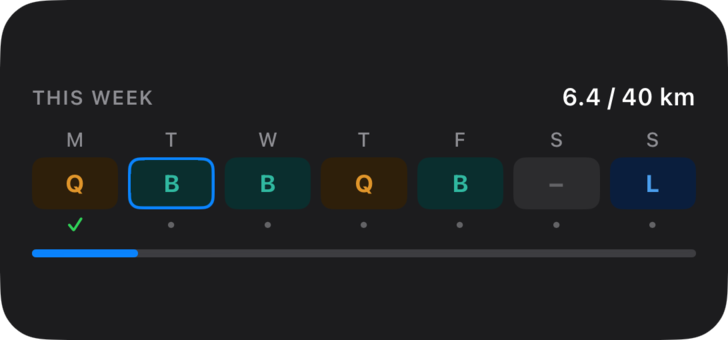
Readiness, recommendation and weekly plan on your Home Screen and Lock Screen.
09Privacy
No account, no cloud, no subscription. Your data stays on your iPhone.
You buy RunReady once. There is no subscription and no in-app purchase.
Yes, and you wear it at night. The Watch measures HRV, resting heart rate and sleep while you sleep.
None. RunReady reads from Apple Health and stores everything on your iPhone. No account, no server, no tracking.
Right after the first launch if Apple Health has older data, otherwise after about 7 nights.