
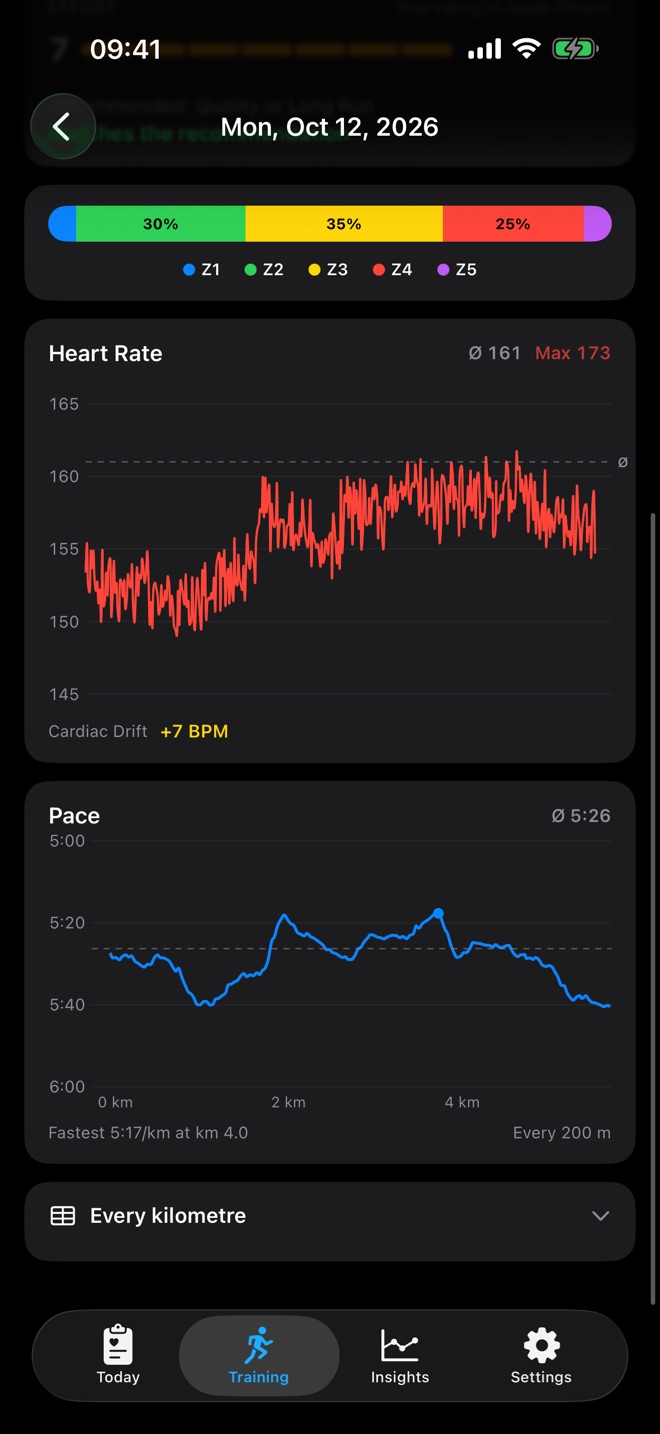
RunReady calculates your zones with the Karvonen method, using the heart rate reserve: the gap between resting heart rate and maximum heart rate.
Zone limit = resting HR + (maximum HR − resting HR) × share
| Zone | Share of reserve | Name |
|---|---|---|
| Z1 | below 50 % | Recovery |
| Z2 | 50 to 60 % | Base |
| Z3 | 60 to 70 % | Tempo |
| Z4 | 70 to 80 % | Threshold |
| Z5 | above 80 % | Maximum |
An example: resting HR 50, maximum 190, reserve 140. Zone 2 then runs from 50 + 140 × 0.5 = 120 to 50 + 140 × 0.6 = 134 bpm.
Where the values come from
- Maximum heart rate: the highest heart rate of your runs in the last 12 months. If it is more than 6 bpm above the second highest, RunReady treats it as a measurement spike and uses the second highest. Under Settings › Heart Rate Zones you see which run the value comes from.
- Resting heart rate: your average during sleep, the same value as in the score.
Adjusting zones
Under Settings › Heart Rate Zones you change individual zone limits in bpm. As soon as you edit a limit in bpm, RunReady keeps it fixed instead of recalculating it from your resting heart rate. Reset restores the automatic calculation.
When you leave the page after a change, RunReady relabels all runs. The heart rate ranges of the recommendation and of workouts on your Watch follow your zones.
Question not answered?
Write to me from the app under Settings › Send Feedback. Version and device are already in the email.
Or email marvin.blome@gmail.comNot installed yet?
RunReady runs on iPhone with Apple Watch. No subscription, no account.
Get RunReady