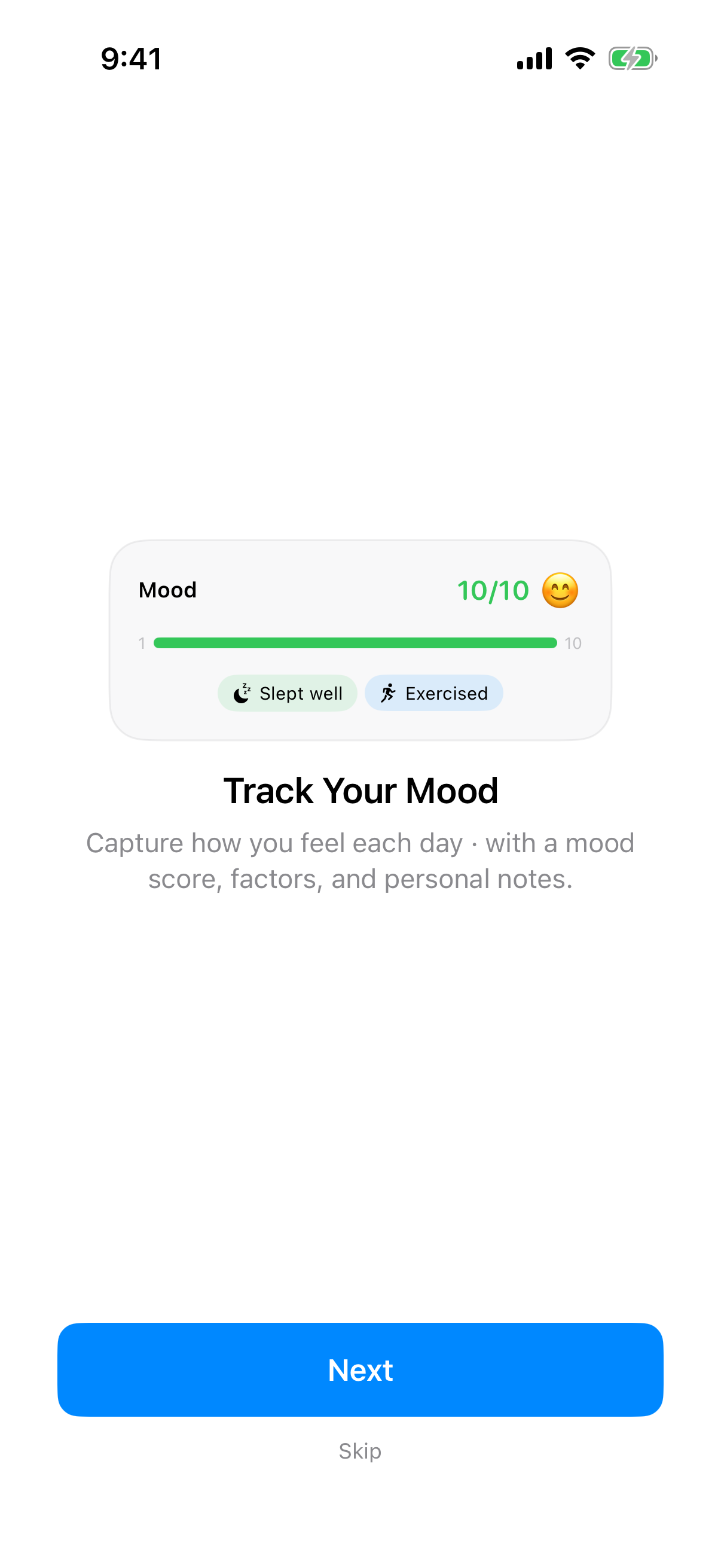
InnerPulse is a mood-tracking app for iPhone, iPad and Apple Watch. You log your mood each day, mark influence factors and watch patterns emerge over time. The app complements daily mood tracking with clinically established questionnaires like PHQ-9 and GAD-7. This combination is the real difference compared to apps like Daylio or Bearable: subjective perception plus objective screening scores in one place.
InnerPulse works fully offline. Your data stays on your devices. If you want, the end-to-end encrypted Device sync keeps iPhone and iPad on the same state. There is no account, no server and no analytics. Anyone who uses InnerPulse remains anonymous, even to us.
Who InnerPulse is for
The app is designed for three groups:
- Self-observers: people who want to know what influences their mood. What drags them down, what lifts them up.
- Therapy companions: anyone working with a therapist or psychiatrist brings structured data into the next session instead of trying to remember the last two weeks.
- Medication trackers: anyone adjusting an antidepressant or other psychiatric medication brings the course of mood, side effects and questionnaire scores into the conversation with their doctor. Whether a medication works is for the doctor to judge, not the app.
What InnerPulse is not: not a diagnosis, not a therapy replacement, not an emergency system. For acute crises you'll find hotlines in the chapter Help in Crises.
The four areas of the app
InnerPulse has four tabs. Each tab has one clear job.
- Journal: where you log your daily mood.
- Questionnaire: where you answer clinically established questionnaires.
- Analysis: where the app shows you trends, top influence factors and statistics.
- Settings: where you manage reminders, factors, theme and data export.
Onboarding
The first launch runs you through a seven-step walkthrough of the core features. You can skip it at any time. It only appears once.
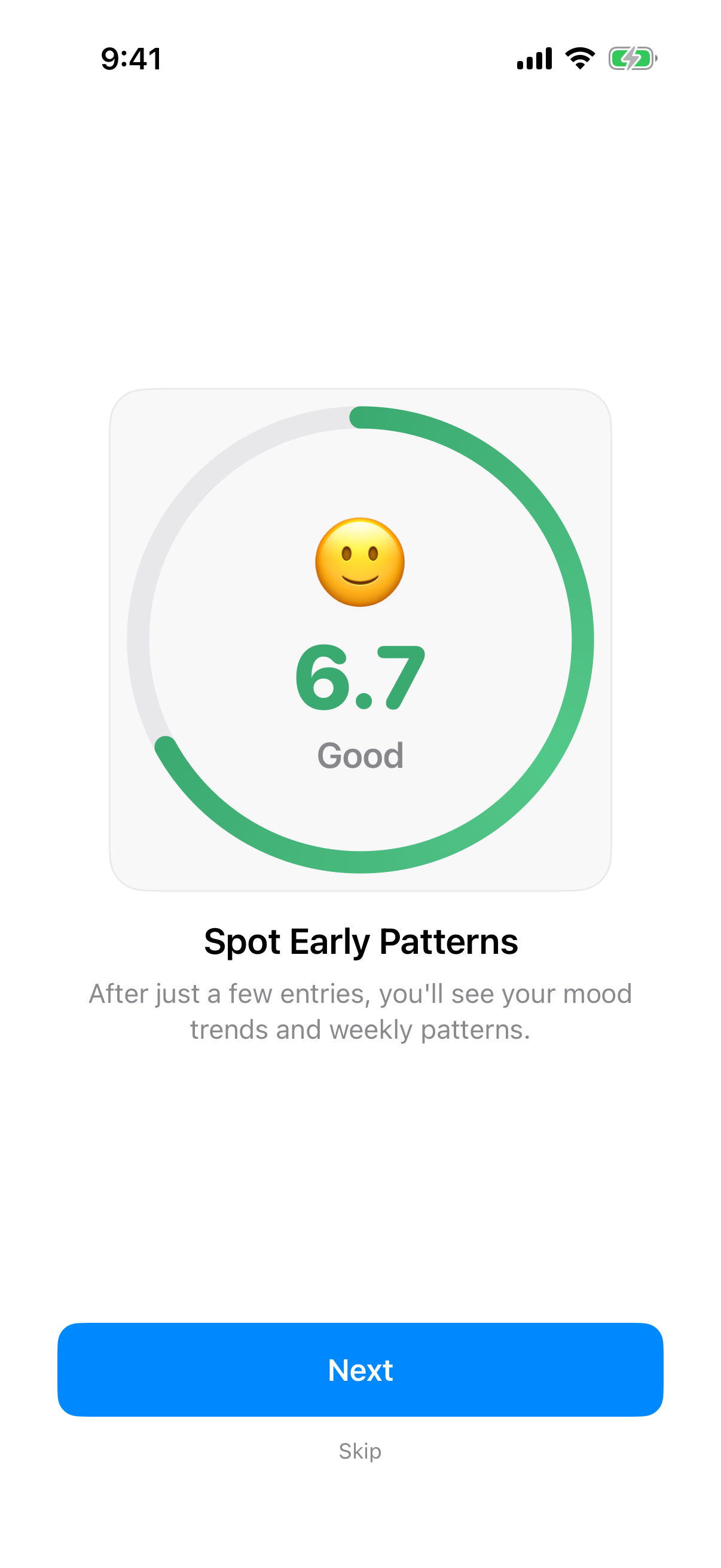
The slides show no video and no ads. You see real app mockups animated with sample data. That makes clear what the app does, without abstract terms.
Your first entry
Open the Journal tab and tap the plus icon. Drag the color slider to your current mood. Under How do you feel?, tap up to three feelings if you like. Pick one to three factors. Add a short note if you want. Tap the checkmark at the top right. The editor closes right away, done.
More details, photos and files on an entry, and the smart suggestions can be found in the chapter Mood Journal.
Your first check-in
Switch to the Questionnaire tab. Pick a questionnaire from the list. Answer the questions page by page. At the end you'll see your score with an interpretation. You can repeat any test as often as you want.
If you're screening for the first time and don't know where to start: the PHQ-4 takes less than a minute and gives you an initial picture of depression and anxiety components. More on this in the chapter Check-in Questionnaires.
iPad and Split Screen
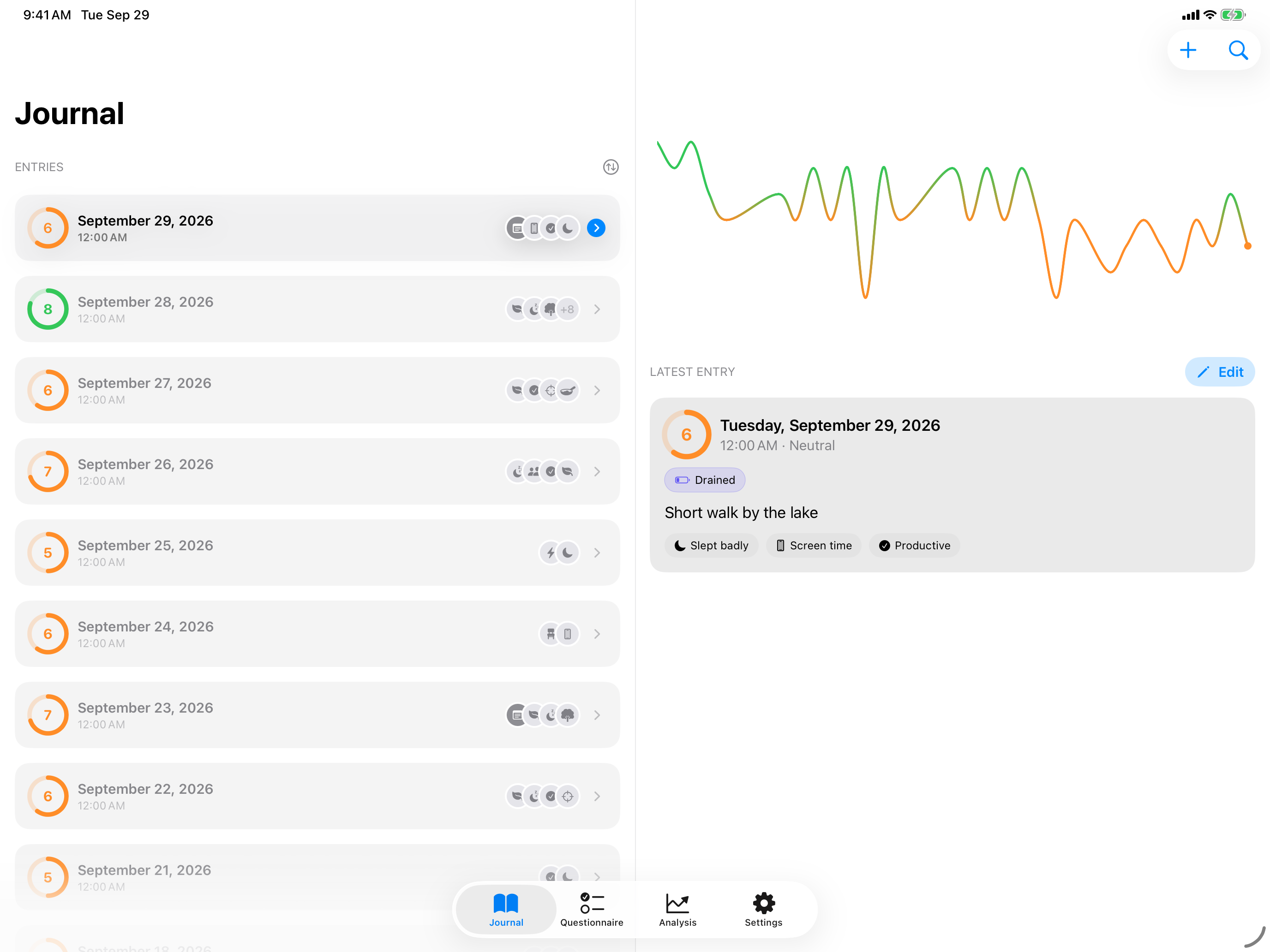
InnerPulse runs on the iPhone and on the iPad. Hold the iPad in landscape and the app splits every tab into two columns: you choose on the left and see the detail on the right. The same applies to the iPhone Duo in book format.
- Journal: on the left the list of your entries, on the right the mood history at the top and the selected entry below it. Without a selection, the right column shows the latest entry. Tap a point in the history to select that day's entry.
- Questionnaire: on the left all questionnaires, on the right the history and the result of the selected test.
- Analysis: on the left the overview with its tiles, on the right the selected detail page, such as a single factor.
- Settings: on the left the list, on the right the selected subpage. When you open settings, the right column shows At a glance.
New Entry and editing open in the right column, while the list on the left stays in place. If you rotate the device while writing, the editor stays open with your input and you keep writing.
In portrait, in a narrow window and on the iPhone, InnerPulse shows a single column as usual. The 13-inch iPad is wide enough for two columns even in portrait.
With the optional Device sync, iPhone and iPad stay on the same state. Without it, each device keeps its own journal. More in the chapter Privacy & Security. The Apple Watch syncs with the iPhone.
What to know
- You don't have to track every day. The app counts no streaks and doesn't penalize pauses.
- There is no account, and Device sync is off by default. If iCloud Backup is active on your iPhone, InnerPulse will be backed up along with every other app. How to actively exclude it is explained in the chapter Privacy & Security.
- Everything you enter stays on your device, including photos and files attached to your entries.
- InnerPulse reaches beyond the iPhone: you also log from the Apple Watch and via Widgets & Lock Screen, without opening the app.
- The app is available in seven languages: German, English, Spanish, French, Hindi, Japanese and Simplified Chinese. The language follows your iOS system language.